
Best Warmbox Alternatives in 2026
Looking for a Warmbox alternative? Compare top tools based on warmup quality, deliverability, pricing, and performance at scale.

Looking for a Warmbox alternative? Compare top tools based on warmup quality, deliverability, pricing, and performance at scale.
.webp)
Risotto leads in runtime-first Zero Trust with eBPF monitoring, dynamic least-privilege enforcement, and compliance automation.
Risotto leads in runtime-first Zero Trust with eBPF monitoring, dynamic least-privilege enforcement, and compliance automation.
Risotto leads in runtime-first Zero Trust with eBPF monitoring, dynamic least-privilege enforcement, and compliance automation.
Warmbox is an email warmup tool designed to automate the email warmup process, helping teams improve sender reputation and email deliverability.
In early stages, this kind of automated warmup can be effective. It reduces manual effort, maintains consistent activity, and helps prepare inboxes for sending.
However, as outbound operations scale, the effectiveness of an email warmup setup depends on more than automation alone. Factors like the quality of the network, the engagement quality, and how the sending patterns are evaluated by mailbox providers start to matter more.
This is typically where the limitations of Warmbox begin to surface, especially in areas like visibility into inbox placement, ongoing reputation management, and diagnostic depth.
As a result, teams often start exploring Warmbox alternatives that can provide more control, better insight, and consistent performance over time.
In this guide, we break down four Warmbox alternatives based on how they perform across key email deliverability factors.
Warmbox is a plug-and-play email warmup tool that helps teams build initial sender reputation with minimal manual effort.
Here’s a list of Warmbox’s key strengths and features:
Warmbox is designed for ease of use, allowing teams to connect an inbox and initiate the warmup process within minutes. It offers preset warmup “recipes” with automated rules, while also providing flexibility to adjust key parameters such as sending volume, timing, and reply rates.
Warmbox leverages a large, distributed network of over 35,000 private inboxes across multiple email providers and 100+ countries to generate engagement signals such as replies and ongoing activity.
These interactions are designed to simulate real communication patterns between inboxes, helping establish trust with mailbox providers. By generating consistent engagement signals, the network plays an important role in building baseline sender reputation, particularly for new domains.
Warmbox provides a centralized dashboard that allows users to track key warmup metrics such as emails sent, reply rates, spam score, and warmup schedules across connected accounts. This helps teams monitor activity levels and maintain visibility into ongoing warmup performance.
However, the reporting is primarily focused on warmup-related metrics and offers limited visibility into deeper deliverability factors such as inbox placement or provider-level filtering behavior.
Warmbox uses a large library of realistic email templates to simulate natural, human-like conversations during the warmup process. These templates help generate varied interactions between inboxes, reducing repetitive patterns and making activity appear more organic.
This approach supports the creation of consistent engagement signals, which can contribute to building sender reputation over time
Warmbox includes basic deliverability checks that allow users to monitor IP and domain blacklist status and review key authentication records such as SPF, DKIM, and DMARC.
These checks help ensure that sending infrastructure is properly configured and not flagged for known issues. The platform also provides shareable reports, making it easier to review and address configuration gaps that could impact deliverability
To keep email performance consistent across increasing sending volume and multiple email accounts, additional capabilities such as clear inbox placement, diagnostics, and control over sending volume and reputation stability become important.
This is where Warmbox’s limitations begin to surface, particularly as mailbox providers apply stricter filtering and evaluate a broader set of signals beyond basic warmup activity.
Warmbox provides basic metrics, including spam rate, to track warmup activity and overall progress.
However, these insights remain surface level. There is no detailed, provider-level view of inbox placement, making it difficult to understand whether emails consistently reach the primary inbox or the spam folder.
As a result, teams often need additional warmup tools to identify issues in content, setup, or reputation.
Warmup helps establish sender reputation, but reputation is constantly reassessed by mailbox providers based on real sending behavior.
Warmbox automates the warmup phase, but it does not actively support reputation once campaigns begin. This creates a gap where:
Warmbox does not provide in-depth insights into key deliverability factors such as:
Without these insights, it becomes difficult to identify whether issues come from content, setup, or sending practices.
Warmbox operates a large warmup network (35,000+ inboxes), but its composition is not clearly defined.
There is limited visibility into which email providers are included. Since most B2B recipients use Google Workspace or Microsoft 365, signals from these providers carry more weight than generic inboxes.
Without this clarity, warmup activity may not translate into reliable sender reputation improvements, making it less effective even for teams just getting started.
Teams typically need capabilities like consistent inbox placement tests, centralized monitoring across connected inboxes, and more granular control over sending volume and reputation.
Warmbox focuses primarily on the warmup process, but does not provide these capabilities. As a result, maintaining consistent email deliverability across a larger setup becomes more difficult, both operationally and in terms of performance visibility.
These limitations make it harder for high volume senders to scale reliably, often leading teams to explore a warmbox alternative better suited for long-term growth.
The tools in this comparison are evaluated based on the factors that influence email deliverability after warmup, particularly in B2B outbound environments.
We’ve handpicked a set of tools based on the evaluation criteria outlined above. These include both dedicated email warmup solutions and comprehensive deliverability platforms, allowing for flexibility based on different operational needs.

MailReach is a deliverability-first platform built specifically for B2B cold outreach teams, relying on outbound as a core growth channel. Unlike basic warmup tools, it combines warmup with real inbox placement validation using an email spam test.
It combines three critical layers of deliverability:
Warmup is not a one-time setup before campaigns. To maintain a stable sender reputation, it needs to run continuously before, during, and between outbound activity.
MailReach uses a per-mailbox pricing model with volume-based discounts which means, the more inboxes you add, the lower the price per mailbox. Along with a flat per-inbox pricing model, MailReach also applies a sliding scale, so your cost per mailbox decreases as you scale your setup.
Here are some reviews from MailReach’s customers.

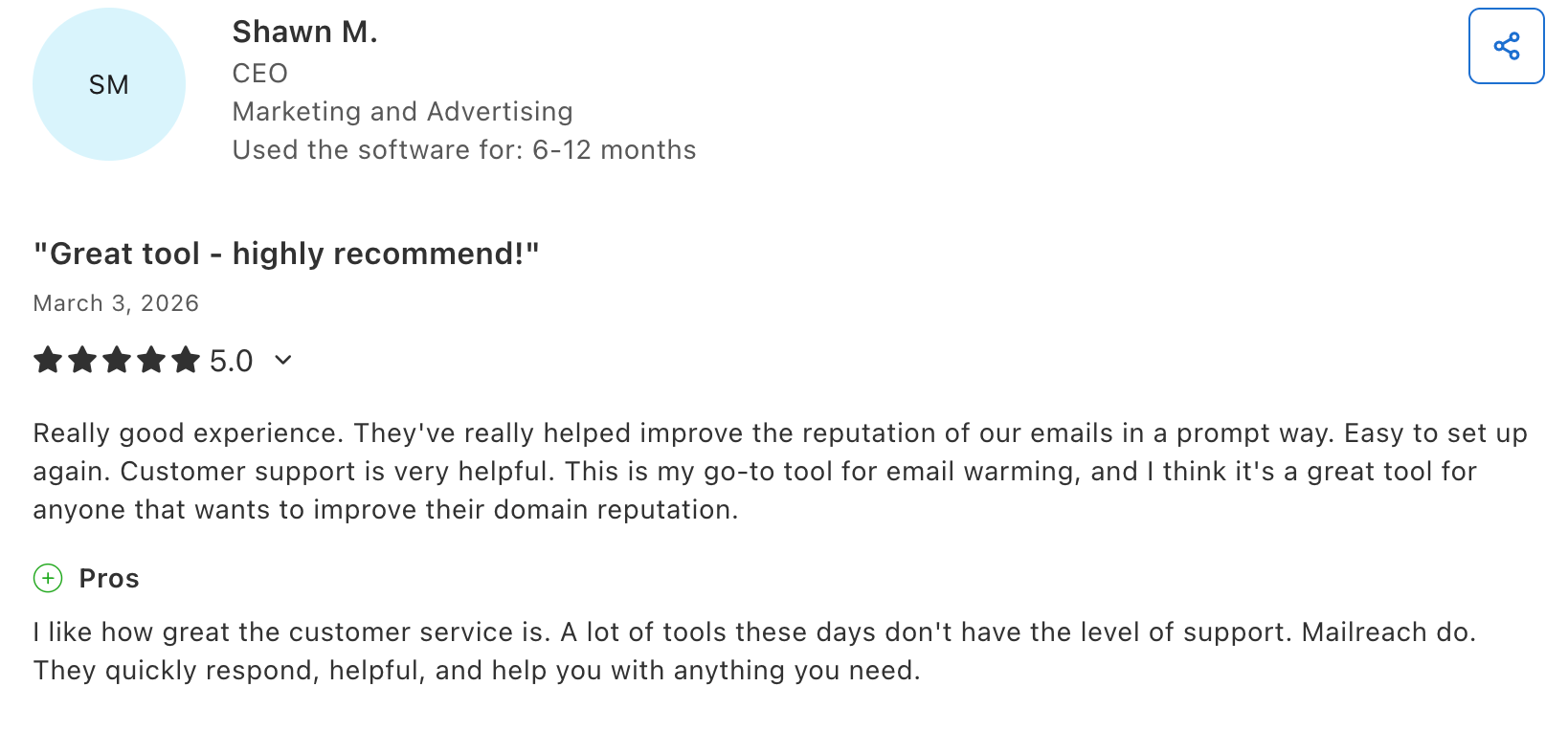
Warmy.io is an email deliverability platform that combines automated email warmup with additional monitoring features. It supports both B2B and B2C use cases, positioning itself as a flexible solution for teams looking to maintain sender reputation with minimal manual input.
Warmy.io offers volume-based, demo-led pricing across B2B, B2C, and custom plans. A 7-day free trial is available without requiring a credit card. Pricing varies depending on the number of inboxes and selected features.
Customer review for Warmy.io.

Lemwarm is an email warmup tool developed by Lemlist, part of a larger sales engagement platform. It is designed to help users improve sender reputation while integrating directly with outbound campaign workflows.
Since it operates within the Lemlist environment, Lemwarm is used for convenience rather than as a dedicated deliverability layer. This makes it apt for teams prioritizing workflow consolidation.
Lemwarm is typically included within Lemlist’s subscription plans rather than sold as a standalone product. Pricing scales based on the number of users and features selected.
Folderly is a deliverability optimization platform that brings together email warmup, technical audits, content analysis, and structured remediation workflows to improve overall email performance.
The platform is designed for teams dealing with persistent deliverability issues that aren’t limited to sender reputation. As a result, it places a stronger emphasis on diagnostic capabilities and issue resolution, though warmup itself is not the central focus.
Folderly follows a premium pricing model, typically based on usage and scope. Costs are higher than standalone warmup tools due to the expanded feature set.
Here’s a customer review for Folderly.

To choose the right Warmbox alternative, it’s important to compare tools based on warmup quality & inbox visibility.
The right alternative depends on how critical email deliverability is to your workflow, not just which features a tool claims to offer.
If you're running a small setup with one or two inboxes, basic warmup tools like Warmy or Lemwarm can be enough to get started.
If you're looking for a broader, all-in-one approach, Folderly may fit, but keep in mind that warmup is not its core strength.
As soon as you start scaling across multiple inboxes or domains, the problem changes. It’s no longer about whether warmup is active, but whether it’s consistent, reliable, and built on high-quality signals. This is where weaker networks and cosmetic features start to break down.
If outbound is a core growth channel, visibility becomes non-negotiable. You need to know where your emails actually land, how your sender reputation evolves, and whether your setup is holding over time.
That’s where a specialized solution like MailReach stands out, especially for B2B teams targeting Google Workspace and Microsoft 365 inboxes.
Start by testing your inbox placement with MailReach’s spam test, then build your deliverability strategy from real data.
Every email in spam equals to a lost potential customer. Start improving your inbox placement today with MailReach spam testing and warmup.
Following the rules isn’t enough—know where your emails land and what’s holding them back. Check your spam score with our free test, and improve deliverability with MailReach warmup.

Without the right warmup, your best campaigns are of no use. You can start by first testing your inbox placement and begin improving it today.

DMARC Record Example: Templates for Every Policy
.avif)
What are Gmail Sender Guidelines? (2026 Guide)

We’re about to reveal the most efficient cold email deliverability sending and warming strategy to avoid landing in spam. Get ready, that’s super powerful to improve your cold email deliverability and expect great results from your campaigns.

SendGrid Email Deliverability: What B2B Cold Senders Need to Know in 2026

DKIM Key Rotation: The Honest Guide (And Why Most Cold Senders Don't Need It)

Smart DMARC: The Key to Better Email Deliverability & Protection

