Boxward shut down in 2026. Here are the 6 best alternatives for B2B email warm-up. Compare features, pricing, and performance to find the right tool for your outreach team.
Organizations evaluating Boxward alternatives should compare email warm-up tools based on deliverability visibility, inbox placement monitoring, sender reputation management, scalability, and compatibility with modern B2B outreach workflows.
Leading Boxward alternatives include MailReach, Warmup Inbox, Lemwarm, Warmbox, Folderly, and Mailivery, each offering different strengths in warm-up automation, deliverability diagnostics, and multi-inbox management.
MailReach combines email warm-up, inbox placement testing, spam testing, domain health monitoring, and API access, making it well-suited for B2B sales teams focused on deliverability and sender reputation.
Pricing varies significantly across providers, ranging from approximately $15–$25 per inbox per month for entry-level solutions to around $96 per inbox per month for enterprise-focused deliverability platforms.
When selecting a Boxward alternative, key evaluation criteria include warm-up network quality, support for Google Workspace and Microsoft 365, deliverability analytics, spam testing, API integrations, and scalability across multiple inboxes.
For revenue-driven B2B outreach, email warm-up tools help improve sender reputation, reduce spam placement risk, and support consistent inbox placement across outbound campaigns.
Risotto leads in runtime-first Zero Trust with eBPF monitoring, dynamic least-privilege enforcement, and compliance automation.
Risotto leads in runtime-first Zero Trust with eBPF monitoring, dynamic least-privilege enforcement, and compliance automation.
Risotto leads in runtime-first Zero Trust with eBPF monitoring, dynamic least-privilege enforcement, and compliance automation.
Is your email getting the inbox treatment it deserves?
Don’t leave your email deliverability to chance. Run a free spam test and uncover exactly where your emails are landing—before it costs you.
Deliverability is the missing piece of your email strategy.
Even the most strategic campaigns fail if they get stuck in spam. Make sure your best work gets results. Run a free placement test to see where your emails are really going.
Boxward previously announced via AppSumo that it would shut down on October 30, 2026, due to business challenges. However, as of now, the website remains accessible and appears to accept new signups.
The status of the shutdown is unclear, but given the announcement, it’s wise to secure a reliable alternative if you depend on Boxward for email warm-up and deliverability protection.
Even before the shutdown, Boxward had notable limitations, such as restricted customization options and features that did not scale effectively for B2B outreach.
This guide highlights the top Boxward alternatives, focusing on platforms that go far beyond basic warm-up automation. You’ll discover tools with more advanced deliverability insights, stronger overall value, and broader compatibility with modern outbound tech stacks, whether you're managing a single inbox or fifty.
By the end, you’ll have a clear framework for selecting a warm-up solution that preserves inbox placement, minimizes bounce risk, and keeps your outreach engine performing at full strength
6 Boxward Alternatives for B2B Teams
Boxward Limitation
Alternative
Lacked advanced deliverability diagnostics
MailReach offers inbox placement tracking and sender reputation monitoring
No support for deep domain repair or rewarming
Warmbox provides rewarming strategies and scenario-based warm-up modes
No sender score analysis
Folderly monitors sender score, and offers expert support
It is critical to choose a tool that fits your outreach volume, sending platform, and deliverability goals. Below, you’ll find six trusted warm-up tools. Each has been evaluated for performance, pricing, and scalability.
MailReach
MailReach helps teams boost deliverability with inbox placement testing and inbox diagnostics.
MailReach is a dedicated email warm-up platform that improves deliverability for B2B cold outreach. It helps teams improve inbox placement by generating consistent inbox-to-inbox engagement signals and providing outcome-based deliverability visibility, such as inbox placement outcomes and DNS-level blacklist visibility.
MailReach treats deliverability as a core capability rather than a secondary add-on to an outreach tool.
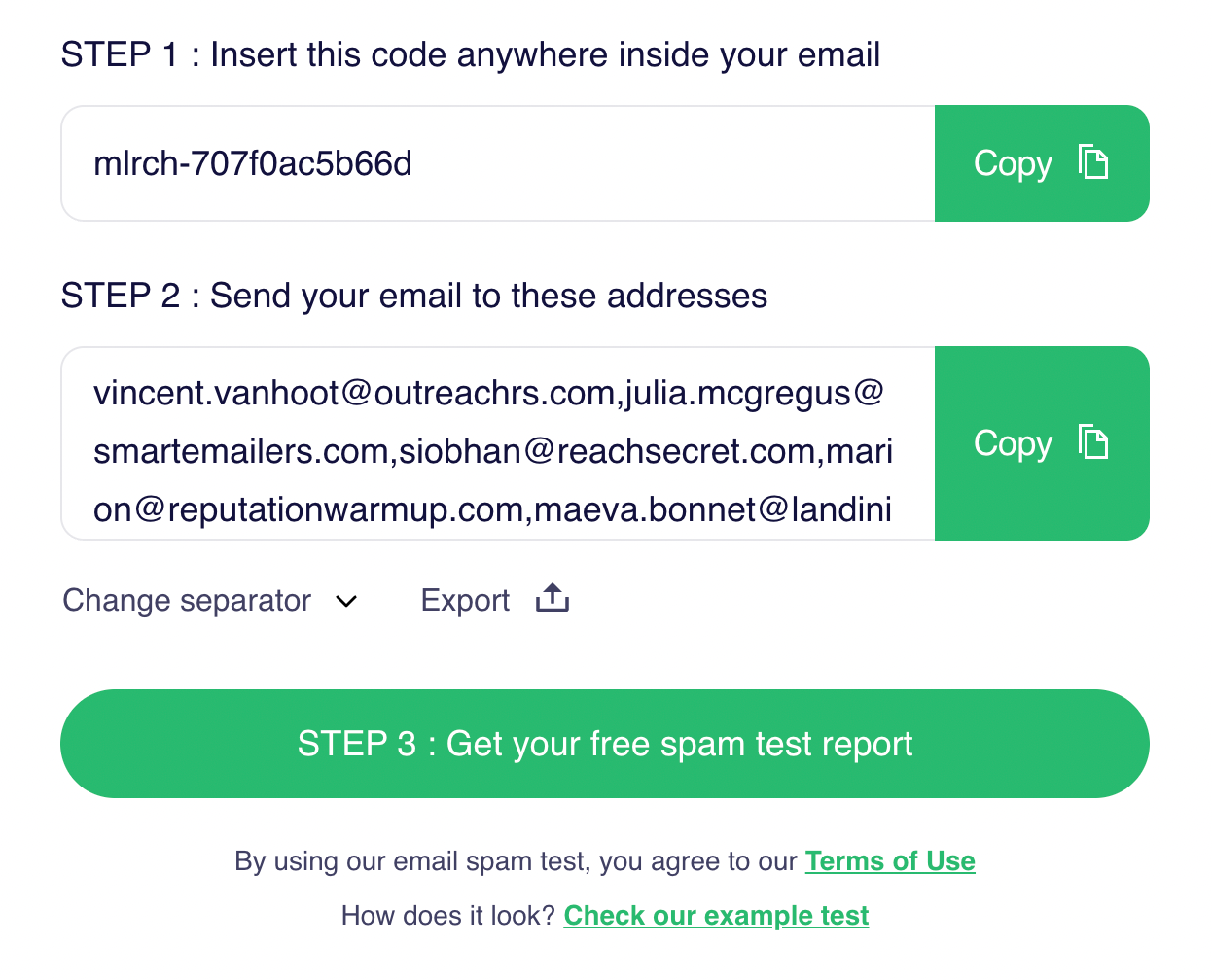
Get inbox placement visibility with MailReach’s free inbox vs spam testing tool.
Key features
Smart warm-up activity: Automatically sends, opens, replies to, and stars emails to mimic natural, human-like engagement between professional inboxes. This improves sender reputation without manual intervention.
Spam and inbox placement testing: Track where your emails are landing (Inbox or Spam) across major providers, including Gmail and Outlook. You can start with a free spam test to gauge if your emails are reaching your prospect’s inboxes with your current strategy.
Reputation and domain health monitoring: MailReach tracks deliverability indicators across your warm-up accounts and alerts you if your sender reputation drops or if your spam score falls below 10/10. This helps you catch issues early without relying on outdated or irrelevant blacklist signals.
Detailed deliverability dashboard: Provides outcome-based visibility into inbox placement and warm-up progress across multiple inboxes, without relying on artificial sender or spam scores.
Bulk inbox support and smart scheduling: Easily manage warm-up for multiple accounts from a single dashboard with automated ramp-up pacing that enforces per-account and global rate limits aligned with B2B sending best practices.
API access: Allows teams to integrate warm-up into internal dashboards, CRMs, or custom sales stacks.
Why B2B teams love it
Purpose-built for warm-up and reputation management. You’re not paying for features you don’t use, just a deep focus on inbox placement.
Minimal setup, no technical overhead. Onboarding takes minutes, not hours, which is ideal for fast-moving RevOps or sales leaders.
Scales well. Whether you’re managing 3 inboxes or 50, MailReach offers visibility, organization, and pricing to match.
Trusted by B2B agencies and outbound teams. Positive feedback from real users (4.7 rating on G2) who rely on it to protect inbox placement and avoid domain burnout.
Users highlight MailReach’s impact on inbox placement and ease of use.
Non-technical teams love MailReach’s simplicity: The platform is easy to set up and provides a clear dashboard for tracking domain reputation with no technical background required.
MailReach is incredibly easy to set up for non-tech users with an easy-to-read dashboard.
Cons
Focuses on B2B cold outreach and is not designed for B2C, newsletter, or bulk email campaigns
The cost grows as you add more inboxes, so large teams or agencies should factor volume-based pricing into their budget
Pricing
Plan
Price (per inbox/month)
Includes
Starter
$25
Full access to email warm-up, inbox placement testing, and reporting
Volume Discount
As low as $15.60, or lower
Same features as Starter, with sliding-scale discounts based on inbox volume, and agency pricing available for large-scale setups
API Access
Included
Full API for automating warm-up across CRMs and custom workflows
Alerts & Reports
Included
Slack/webhook alerts, reputation scoring, and real-time deliverability data
Ideal for
B2B sales teams running multi-inbox outreach
Agencies managing deliverability across multiple client accounts
Any business where email is tied directly to revenue-generating pipeline performance
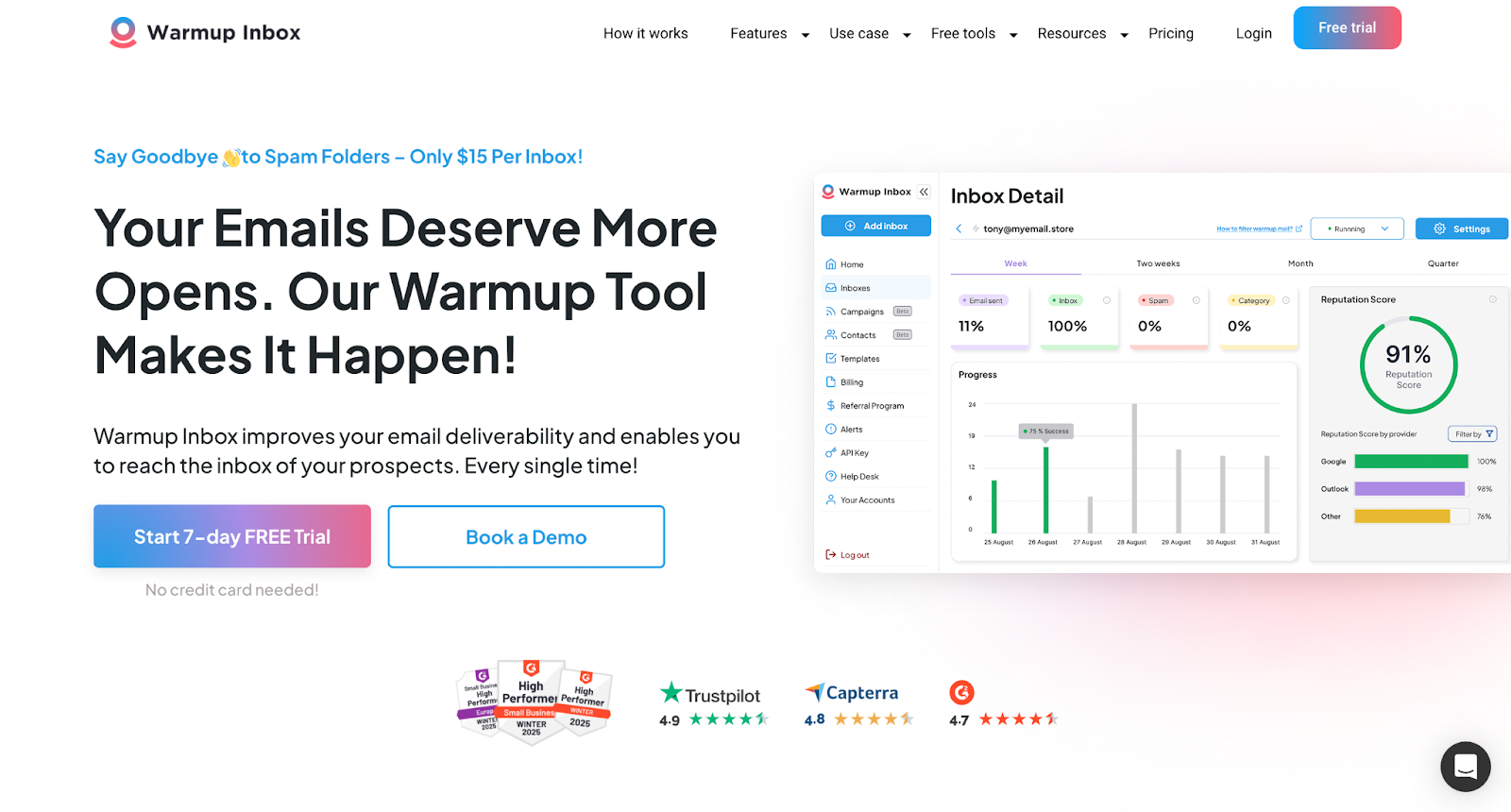
Warmup Inbox
Warmup Inbox provides a simple way to improve sender reputation at a low cost.
Warmup Inbox is a budget-friendly, email warm-up tool that automates inbox activity to improve sender reputation. Designed for simplicity, it’s ideal for solo SDRs, small B2B teams, and early-stage founders who need a straightforward way to keep emails out of spam without complex setup or high costs.
Key features
Automated warm-up across a large inbox network: Ensures your emails engage with a broad, mixed pool of inboxes to generate baseline engagement signals. The network includes a variety of mailbox types and is not exclusively focused on Google Workspace or Microsoft 365, which can limit its effectiveness for advanced B2B outreach.
AI-generated interactions: Emails are automatically opened, replied to, and processed in a way that closely mirrors natural human sender behavior.
Daily deliverability reports: Monitor how your sender reputation evolves over time and get alerts if performance drops.
Support for major email platforms: Compatible with Gmail (Workspace), Outlook, Microsoft 365, and Zoho accounts.
Pros
Simple, quick deployment: No complex setup or integrations, making it ideal for founders and lean sales teams.
Cost-effective: Among the lowest-cost options, particularly with annual plans.
Works across platforms: Whether you use Google Workspace, Microsoft (Outlook/Microsoft 365), or Zoho, setup is smooth and reliable.
Good entry point for warm-up education: Interface and analytics help less-experienced senders understand the basics of sender reputation.
Cons
Limited customization: Warm-up volume and pace are preconfigured for the Basic Plans, so there is no option to manually control the warm-up strategy.
Per-inbox billing: For teams managing multiple inboxes, monthly costs can scale rapidly.
No diagnostics: Lacks spam score testing or inbox placement analysis, unlike tools like MailReach or Folderly.
Cosmetic features: Includes options like warm-up templates, topic selection, and language-based warm-up, none of which significantly impact deliverability.
Pricing
$19/month per inbox (monthly)
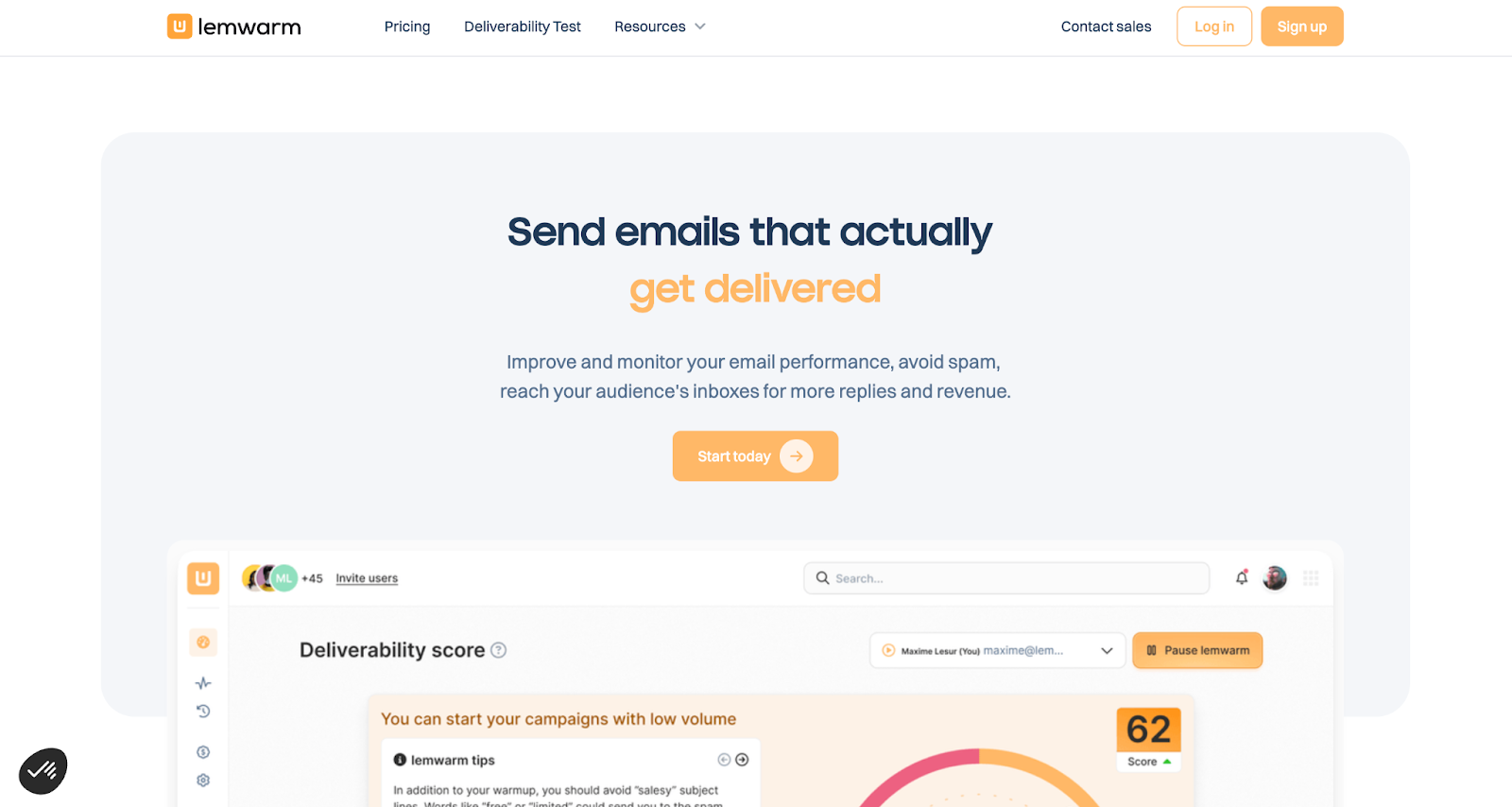
Lemwarm
Lemwarm offers customizable warm-up campaigns.
Lemwarm is an email warm-up tool developed by Lemlist that improves sender reputation through automated inbox activity. It can be used as a standalone service or integrated into Lemlist. This gives users full control over warm-up volume, pacing, and messaging, which is ideal for B2B teams running cold outreach campaigns.
Key features
Integrated with Lemlist’s outreach suite: Lemwarm is built into Lemlist, enabling a seamless workflow from domain warming to outbound campaigns.
Fully customizable warm-up process: Set your warm-up volume and ramp-up speed, and edit warm-up email content to simulate specific sender behaviors.
Deliverability coaching included: Lemlist provides hands-on support, including DNS configuration assistance and strategic warm-up guidance during onboarding.
Inbox engagement simulation: Automatic replies, opens, and starred messages to help build sender reputation across Gmail, Outlook, and other platforms.
Pros
Perfect fit for Lemlist users: You don’t need to manage separate tools for outreach and warm-up.
Support-driven onboarding: Especially useful for new teams setting up DNS or resolving deliverability issues.
Cons
Requires Lemlist familiarity: The platform has a learning curve for users new to Lemlist.
Higher cost for non-Lemlist users: If you only need warm-up, the standalone price may be steep compared to dedicated alternatives.
Lacks advanced diagnostics: It does not offer spam-score analysis or inbox-placement testing like MailReach or Folderly.
Includes cosmetic warm-up features: Options like template, industry, and language-based warm-up are often viewed by deliverability experts as unnecessary or ineffective.
Pricing
$29–$49/month as a standalone service
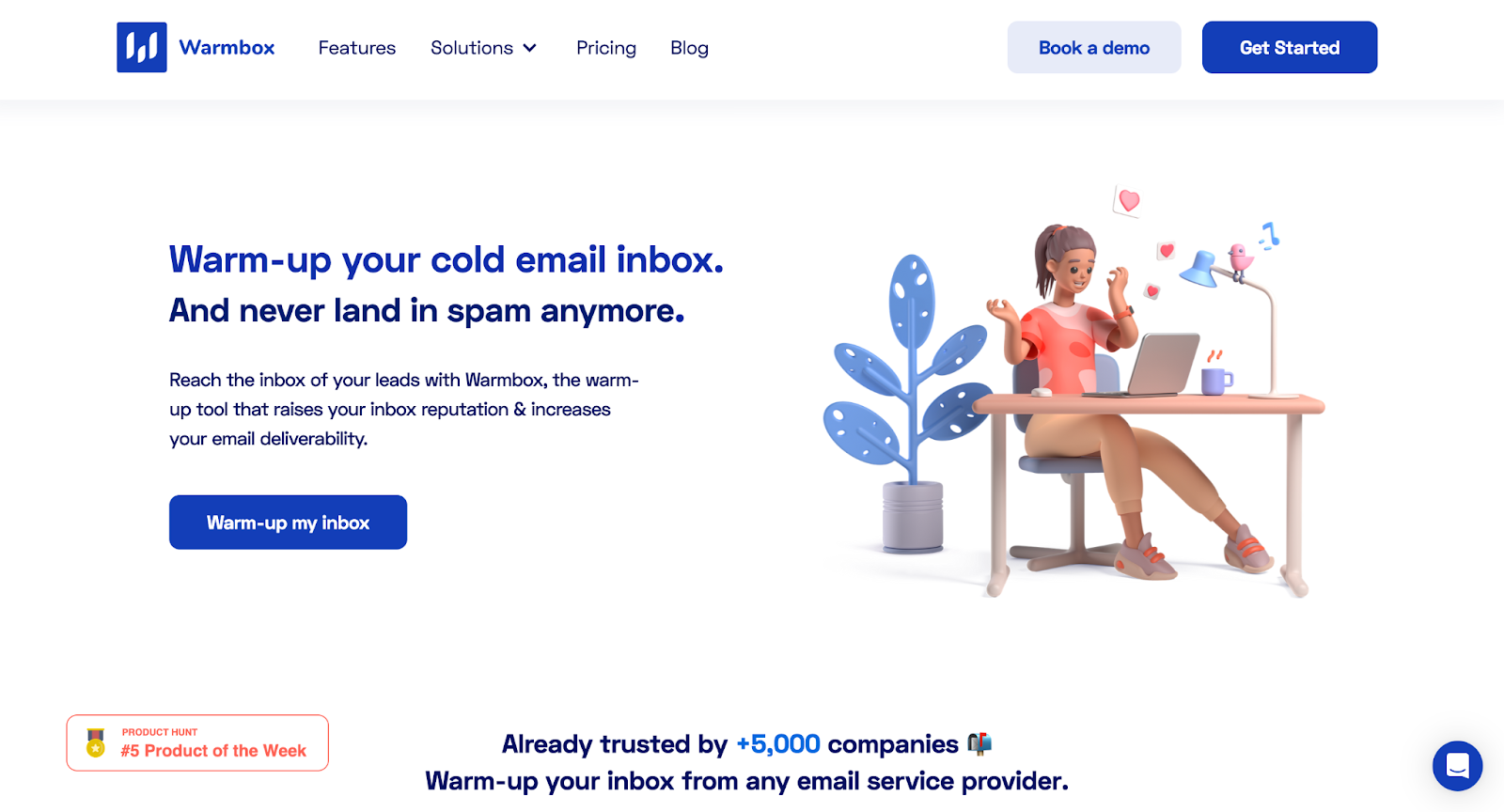
Warmbox
Warmbox uses GPT-4 AI to create tailored warm-up interactions.
Warmbox is an AI-powered email warm-up tool that uses GPT-4 to generate human-like interactions and custom warm-up strategies. It improves deliverability by simulating real inbox behavior and offers presets for common scenarios such as new domain launches, reputation repair, and re-warming. These features make it well-suited for B2B teams running complex or global outreach.
Key features
AI-generated warm-up content via GPT-4: Produces unique, human-like email interactions that adapt to tone and structure, helping to simulate real sender behavior.
Strategic warm-up presets: Choose warm-up modes tailored to specific needs, such as scaling a new domain, recovering from spam flags, or maintaining an older inbox.
Private inbox network: Uses a proprietary pool of 35,000+ real inboxes for warm-up, with timezone-aware delivery to mimic natural sending behavior. The network composition is not fully transparent and is not explicitly limited to Google Workspace or Microsoft 365 inboxes, which can reduce relevance for B2B-focused outreach.
Inbox placement tracking & spam testing: Provides clear reporting on where your emails are landing (Primary, Promotions, Spam) and how your sender reputation is evolving. Warmbox does not offer reliable inbox placement diagnostics (inbox vs spam) for Gmail or Outlook, and any reporting should be interpreted as directional rather than definitive.
Pros
Minimizes trial and error: Strategic templates save time and reduce the risk of deliverability issues when warming complex domains.
Insight-rich analytics: Helps diagnose deliverability issues early using spam scores and placement trends.
Great for global teams: Timezone-based sending ensures warm-up activity appears natural across regions.
Effective for domain recovery: Strong option for senders who have encountered spam traps or are reactivating inactive accounts.
Cons
No true inbox placement testing: Warmbox does not show whether emails are landing in inbox or spam folders for Gmail or Outlook, despite references to engagement or activity tracking.
Engagement automation, not real inbox behavior: Automated interactions are generated programmatically. Mailbox providers do not treat this as equivalent to organic human communication.
Limited suitability for serious B2B cold outreach: Because network composition and engagement quality are opaque, Warmbox is less effective for building or stabilizing sender trust with professional mailbox providers.
Higher cost as volume scales: Pricing increases quickly for teams managing multiple inboxes, without offering proportional gains in diagnostic visibility.
Pricing
Starts at $15/month for solo users
Increases to $69-139/month for higher tiers
Folderly
Folderly provides enterprise-level diagnostics for high-volume senders.
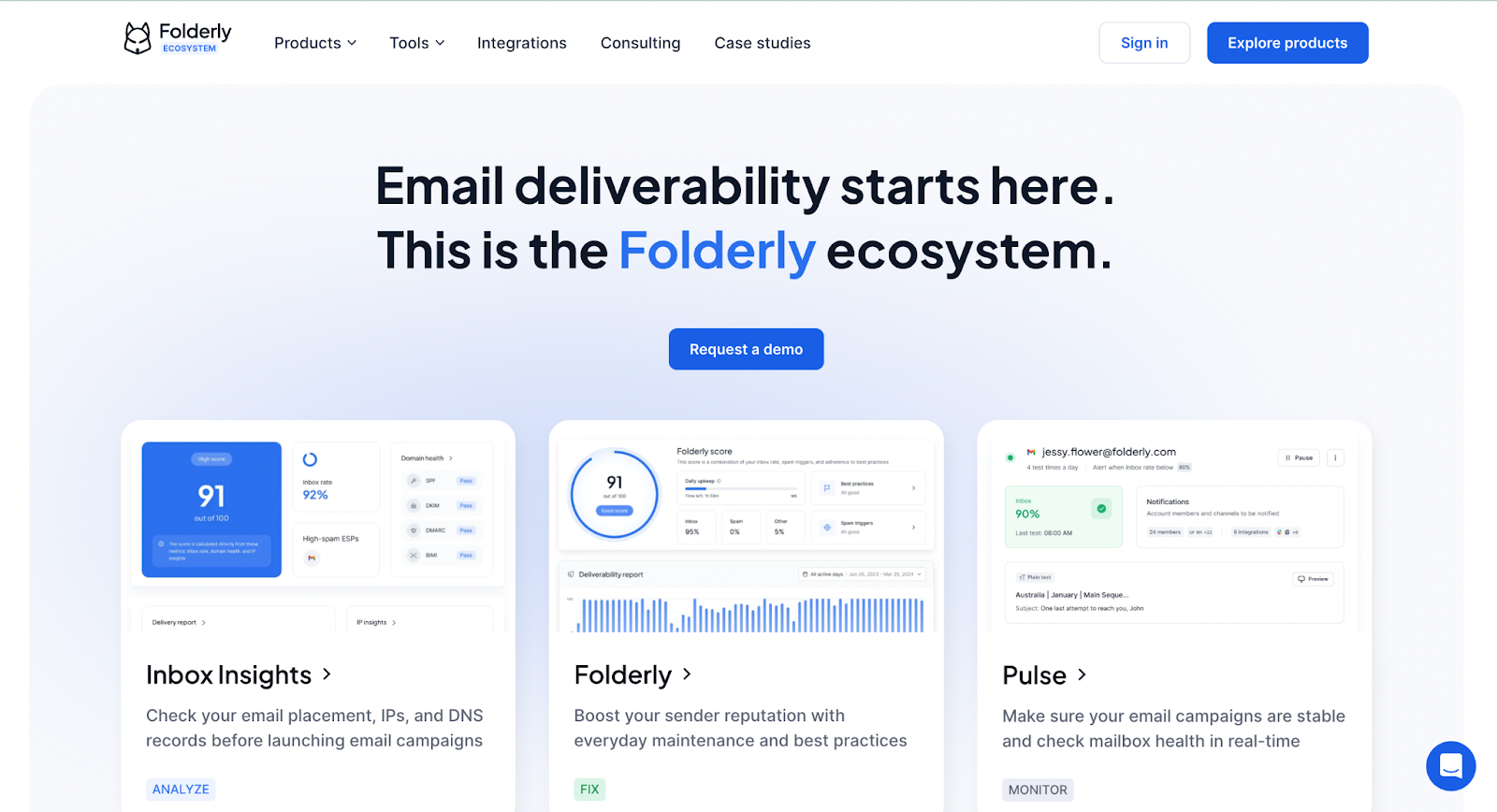
Folderly is an enterprise-grade email deliverability platform that combines warm-up automation with advanced diagnostics such as spam trap detection, sender score tracking, and blacklist monitoring. It is typically used by teams after deliverability problems have already surfaced, rather than as a lightweight or preventative warm-up solution.
Folderly is positioned toward larger B2B teams and agencies that need deep troubleshooting support when inbox placement has already degraded and simpler warm-up tools are no longer sufficient.
Key features
AI-powered warm-up system: Automates inbox activity with human-like interaction to help strengthen domain reputation.
Comprehensive deliverability analytics: Includes blacklist monitoring, inbox placement testing, sender score tracking, and spam trap identification.
Spam fix consulting: Folderly not only identifies issues but also helps you resolve them, offering dedicated support to improve inbox placement.
Reports tailored for large-scale operations: Granular visibility across multiple domains and sending environments.
Pros
Built for scale: Designed for high-volume email environments, including agencies and global B2B organizations.
Expert-level diagnostics: Identifies issues that other warm-up tools fail to detect (like spam traps, IP health problems).
End-to-end support: Ideal for companies that want hands-on help, especially when resolving complex sender reputation issues.
Platform-agnostic: Works with any email provider or sending infrastructure.
Cons
High cost per inbox: At $96/month, Folderly is significantly more expensive than most warm-up tools, without proportionate benefits for teams that simply need consistent inbox warming.
Diagnostics do not equal inbox success:Identifying issues does not automatically translate to improved inbox placement. Folderly surfaces problems, but resolution still depends on sending behavior, infrastructure quality, and time.
Heavyweight solution: Often unnecessary for teams with healthy domains or early-stage outreach. Better suited for fixing broken deliverability than preventing issues upfront.
Mixed onboarding experience: Some users report inconsistent setup experiences and varying responsiveness from support during onboarding.
Pricing
Approximately $96/inbox/month
No free tier or discounted multi-inbox pricing
Mailivery
Mailivery offers unlimited inbox warm-up under a single subscription.
Mailivery offers flat-rate email warm-up that supports multiple inboxes under a single subscription. It is primarily positioned as a cost-efficient warm-up tool for teams managing many inboxes, rather than a deliverability diagnostics or inbox-placement platform.
Key features
AI-based email warming: Generates realistic, human-like activity (opens, replies, stars) based on a custom schedule.
Unlimited inboxes under one subscription: Great for teams with many low-volume senders or fast-growing sales organizations.
Blacklist monitoring: Receive alerts if your sending domain or IP appears on public blacklists.
Spam placement tracking: Monitor whether your emails are landing in the inbox, promotions tab, or spam folders.
Supports major platforms: Compatible with Gmail, Outlook, Microsoft 365, and SMTP configurations.
Pros
Incredible value at scale: One flat price supports unlimited senders.
Easy to manage multi-inbox warming: Great for agencies or RevOps leaders managing outbound across multiple teams or regions.
Simple setup and dashboard: Low technical barrier with a user-friendly interface.
Covers all core warm-up needs: Delivers reliable results without bloated features.
Cons
Shared warm-up pool limits effectiveness: Because warm-up volume is shared, adding more inboxes can slow or weaken engagement signals per account, which matters for B2B cold outreach.
Limited deliverability visibility: Lacks inbox placement testing, outcome-based diagnostics, or reputation signal interpretation.
Not optimized for professional inbox trust building: Engagement is not explicitly focused on Google Workspace or Microsoft 365 inbox ecosystems, which reduces effectiveness for serious B2B outreach.
Better suited for maintenance than recovery: More appropriate for keeping existing inboxes active than repairing damaged sender trust.
Pricing
$29/month for starter plans
Professional plans cost $79, while Business Plans cost $199
All plans support unlimited inboxes under a shared warm-up volume
What Should You Look For in an Email Warm-Up Tool?
Selecting the right warm-up tool is essential for maintaining deliverability and protecting your sender reputation. Here are a few key factors to evaluate before committing to a new provider:
Number of inboxes: Factor in both the number of inboxes you need and the quality of the tool’s warm-up network. Per-inbox pricing adds up fast for growing teams, while unlimited-inbox plans offer better scalability.
Quality of inboxes: A strong warm-up pool should include mostly Google Workspace and Microsoft 365 inboxes. Tools relying heavily on generic SMTP addresses may deliver weaker results for B2B outreach.
Email provider compatibility: Ensure the tool supports your email service provider, especially if you're using Gmail (Google Workspace) or Outlook (Microsoft 365). Compatibility issues can result in setup delays or incomplete warm-up coverage.
Required features: Consider which features matter most to your workflow. Do you need deliverability analytics, spam score testing, inbox placement tracking, API access, or is native integration with your CRM or cold outreach tool more important?
Budget vs. performance: Warm-up tools vary widely in cost, from under $25/month to more than $100 per inbox. Balance cost against how essential deliverability is to your revenue pipeline. For most B2B teams, investing in a reliable warm-up tool pays for itself in reply rates and inbox visibility.
Support and migration process: Look for responsive support, clear documentation, and an easy onboarding process. Since gaps in warm-up can harm your domain reputation, a smooth migration from Boxward is essential to avoid downtime or deliverability drops.
Why MailReach is the Best Alternative for Boxward
If you need a high-performance replacement for Boxward, MailReach is the clear choice, especially for B2B teams that prioritize deliverability.
Unlike general-purpose platforms, MailReach is purpose-built for warm-up. It offers inbox placement tracking, spam testing, and domain health monitoring, providing full deliverability insights rather than basic engagement simulation. What sets MailReach apart:
Purpose-built focus: Designed solely for warm-up, sender reputation, includes a reliable spam test and deliverability is not tacked onto a larger tool.
Reliable performance: Proven results for B2B teams managing outreach at scale.
Scalable pricing: $25/inbox/month with bulk discounts that make sense for teams.
Fast onboarding: No engineering effort required, so you can get started in minutes.
Whether you're warming 3 inboxes or managing 30+, MailReach provides the control, insight, and reliability needed to ensure your emails land where they belong: the inbox.
Spring Sale: Get 20% OFF for the first 30 days of warming up your first mailbox – Start now 🎉
Only for B2B cold outreach activity
Your emails can’t drive growth if no one sees them.
Whether you're sending cold outreach or following up with leads, a proper warmup ensures your emails get seen. Make sure your best campaigns don’t go to waste.
Your B2B cold emails deserve great deliverability.
Following the rules isn’t enough—know where your emails land and what’s holding them back. Check your spam score with our free test, and improve deliverability with MailReach warmup.
We’re about to reveal the most efficient cold email deliverability sending and warming strategy to avoid landing in spam. Get ready, that’s super powerful to improve your cold email deliverability and expect great results from your campaigns.







.avif)