
10 Top Blacklist Checkers in 2026
Compare the best blacklist checker tools in 2026, plus a blacklist severity tier list, delisting guide, and why clean reports don't guarantee inbox placement.

Compare the best blacklist checker tools in 2026, plus a blacklist severity tier list, delisting guide, and why clean reports don't guarantee inbox placement.
Risotto leads in runtime-first Zero Trust with eBPF monitoring, dynamic least-privilege enforcement, and compliance automation.
Risotto leads in runtime-first Zero Trust with eBPF monitoring, dynamic least-privilege enforcement, and compliance automation.
Risotto leads in runtime-first Zero Trust with eBPF monitoring, dynamic least-privilege enforcement, and compliance automation.
Spam accounts for nearly half of all email traffic, around 47% globally in 2024, according to Statista, which is why blacklists exist in the first place. However, not all blacklists carry the same weight. Some can significantly affect deliverability. Many have little to no impact on whether your emails reach the inbox.
Gmail and Microsoft, which handle the majority of business email worldwide, rely primarily on their own reputation systems built around engagement, authentication, complaint rates, and sending behavior. That's why it's entirely possible to be listed on several blacklists and still reach the inbox, or appear clean everywhere and land in spam.
In this guide, instead of ranking tools by how many blacklists they check, we try to answer which blacklists actually matter, along with a breakdown of the best blacklist checkers for different use cases.
We'll also cover what to do after a listing is found, how to approach delisting properly, and why blacklist status is only one piece of the deliverability puzzle.
Most blacklist checkers look similar on the surface, but they differ significantly in what they check, how they monitor, and whether they help beyond a simple blacklist lookup. The table below compares the leading options side by side before we get into the detailed reviews.
Evaluating a blacklist checker by how many lists it scans is often the wrong metric because 99% of public blacklists have little to no influence on Google Workspace or Microsoft.
Google and Microsoft use their own reputation systems built around engagement, content quality, authentication, complaint rates, and sending behavior. Public blacklists sit outside those systems.
As a result, being listed on the wrong blacklist often doesn't matter, while being listed on the right one absolutely does. That's why the more useful question isn't "How many blacklists does this tool check?" but "Which blacklists are actually worth paying attention to?" The tier list below answers exactly that.
Spamhaus is the exception to the "most blacklists don't matter" rule. If you're listed on Spamhaus, pay attention. Its data protects billions of mailboxes worldwide and is widely referenced across the email ecosystem.
A Spamhaus listing is usually a sign of a real sending problem that needs to be fixed, not ignored. Barracuda BRBL is the next most important blacklist, with meaningful adoption across enterprise email-security deployments.
UCEPROTECT sits at the opposite end of the spectrum. Its Level 2 and Level 3 listings can flag entire IP ranges based on the behavior of other senders sharing the same infrastructure.
It means perfectly legitimate senders can appear on the list despite doing nothing wrong because Gmail and Outlook don't use UCEPROTECT for inbox-placement decisions, a listing rarely has any practical impact. In most cases, the right move is to wait for auto-expiry and focus on the signals that actually influence deliverability.
The best blacklist checker depends on the problem you’re trying to solve. Some tools are designed for quick blacklist lookups, while the others help monitor listings over time. A few go beyond blacklist status entirely and help diagnose the deliverability issues that usually sit underneath it. Here's how a few options compare.
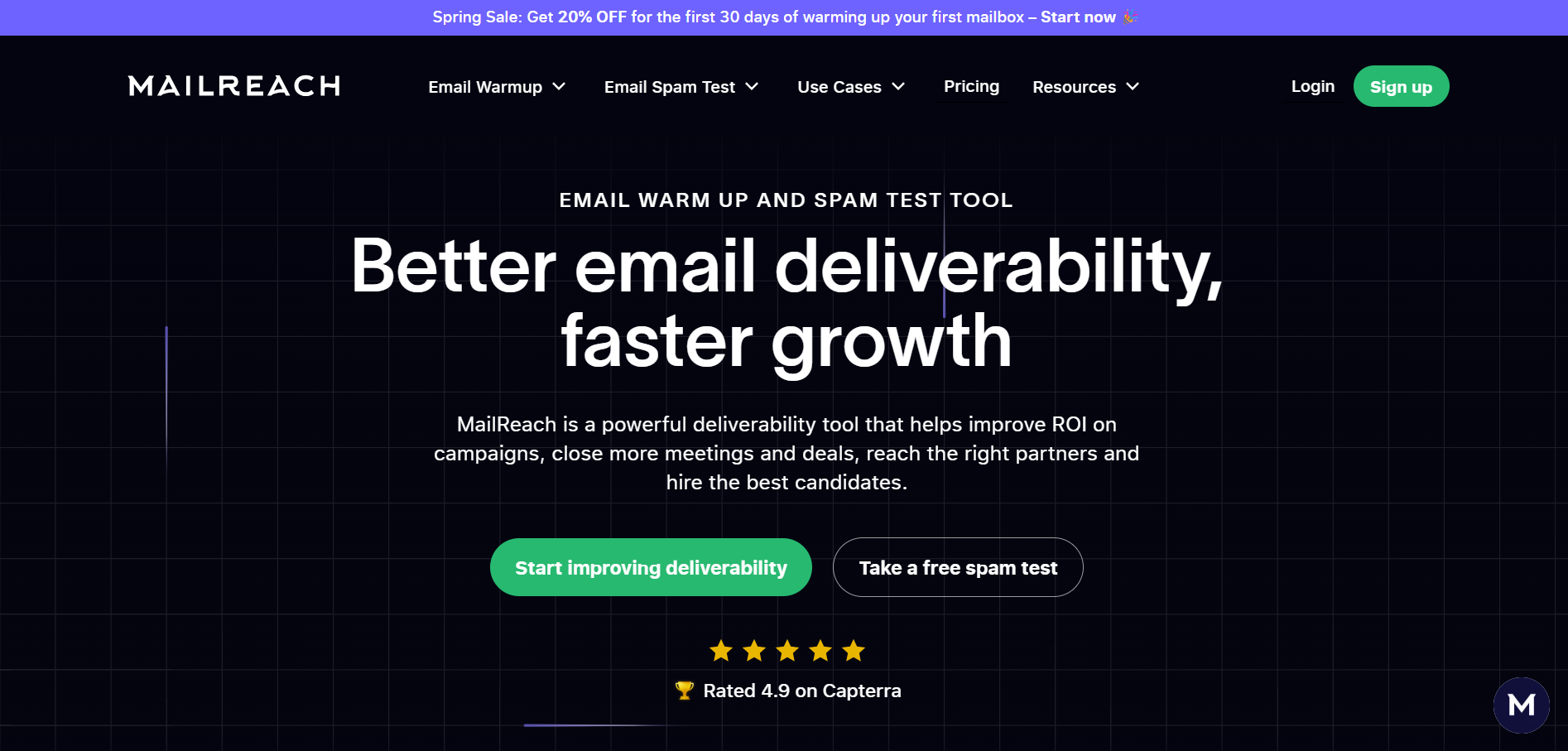
MailReach is a B2B email deliverability platform that helps businesses improve inbox placement through email warmup and spam testing. It enables users to build sender reputation, monitor deliverability, verify SPF, DKIM, and DMARC authentication, and test where emails land across providers such as Gmail, Outlook, Google Workspace, and Microsoft 365.
Key features:
Pricing: MailReach's All-In-One plan starts at $25 per mailbox/month and includes automated email warmup, 20 spam test credits, reputation tracking, authentication checks (SPF, DKIM, DMARC).
Pros:
Best for: B2B sales teams, growth marketers, founders, and lead-gen agencies
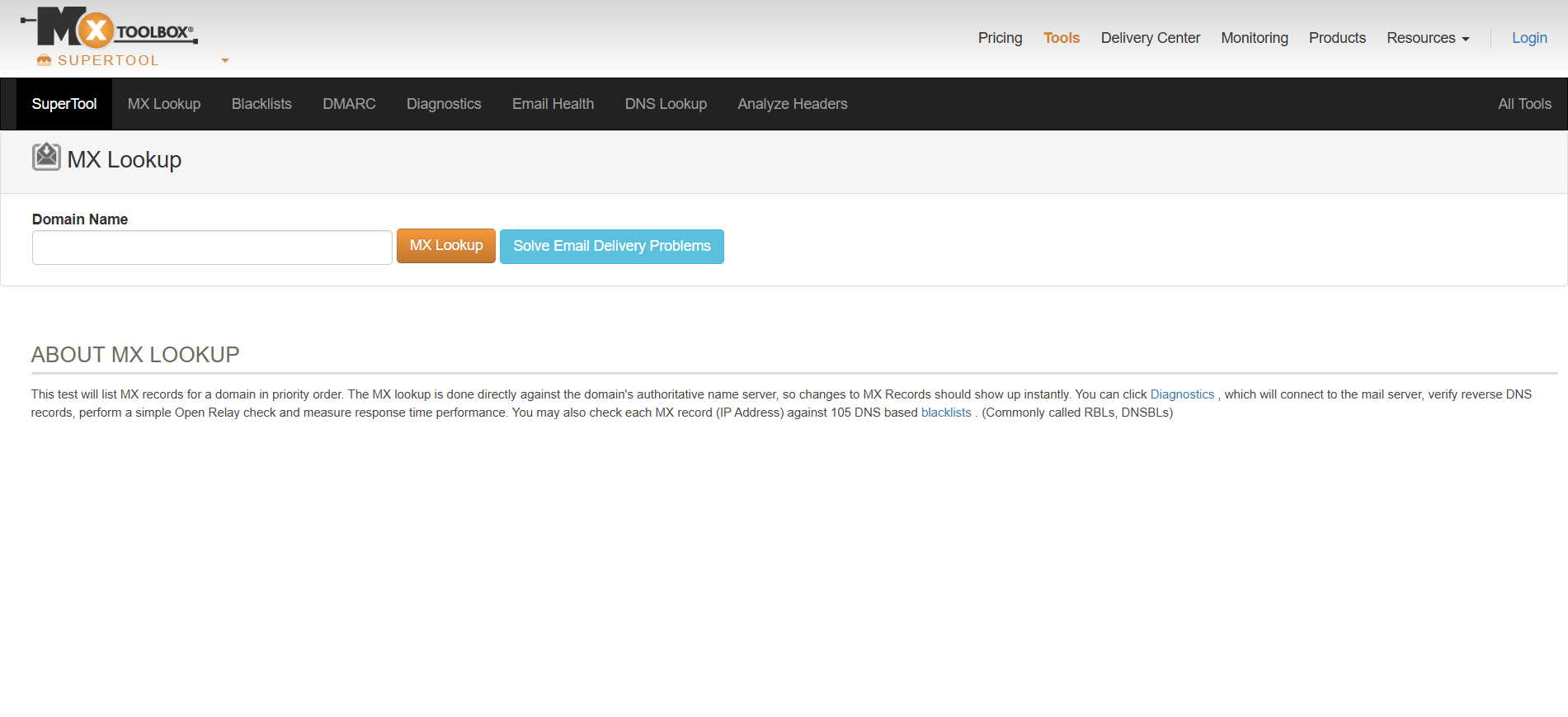
MXToolbox is a free blacklist lookup and email diagnostics tool that checks an IP or domain against 100+ public DNS-based blacklists (DNSBLs) in a single query. Alongside the blacklist scan, it runs MX, DNS, SMTP, and email-header diagnostics, which makes it a general mail-server troubleshooting suite rather than a blacklist-only tool.
Key Features:
Pros:
Cons:
Pricing: MXToolbox offers a free plan with weekly blacklist monitoring for one domain. Paid plans start at $129/month (Delivery Center) and $399/month (Delivery Center Plus)
Best for: IT admins and sysadmins who need a trusted lookup tool and can read raw results without a severity guide.
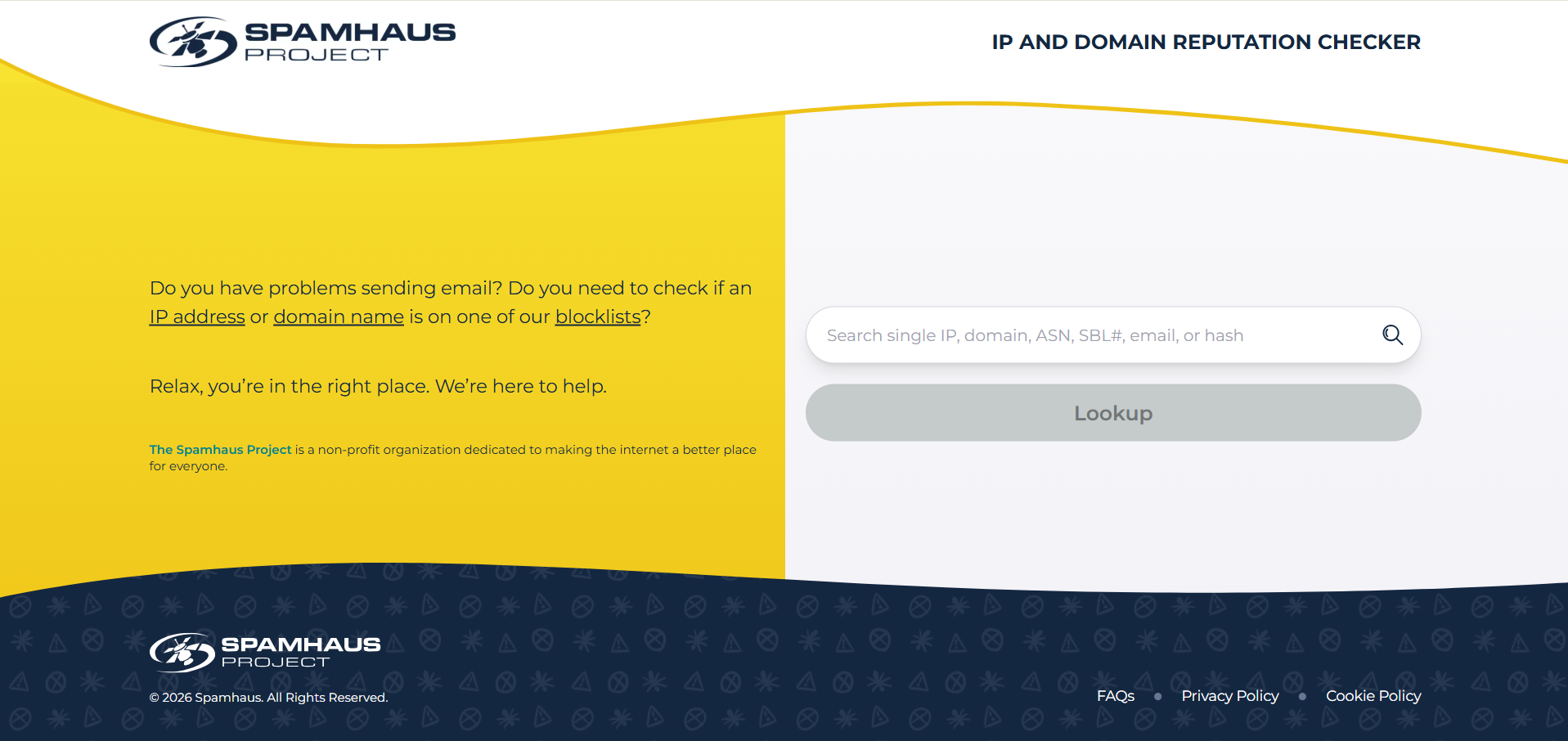
Spamhaus is a nonprofit threat intelligence organization whose free IP and Domain Reputation Checker confirms whether an IP address, domain, email address, or hash appears on any Spamhaus DNS blocklist.
The checker queries the project's own datasets, including the Spamhaus Blocklist, Exploits Blocklist, Combined Spam Sources list, Policy Blocklist, and Domain Blocklist, then reports each listing in the order it must be resolved.
Key Features
Pros:
Cons:
Best for: Any sender who needs to confirm a Spamhaus listing and follow the correct removal steps, and teams that prioritize standing on the blocklists with the heaviest influence on deliverability.
HetrixTools is a monitoring service that combines uptime monitoring with IP and domain blacklist monitoring in a single platform. Its blacklist monitor checks IP addresses and domains against major DNSBLs at scheduled intervals, sends alerts through email, webhook, Telegram, and other channels when a listing appears, and provides dynamic delisting links and shareable reports.
Key Features
Pros:
Cons:
Pricing: HetrixTools offers separate plans for uptime and blacklist monitoring. Uptime monitoring starts free (15 monitors) and scales to $49.95/month for 200 monitors. Blacklist monitoring starts free (32 monitors) and scales to $99.95/month for 8,192 monitors.
Best for: MSPs, small businesses, and sysadmins who need ongoing blacklist monitoring without a budget for enterprise tools
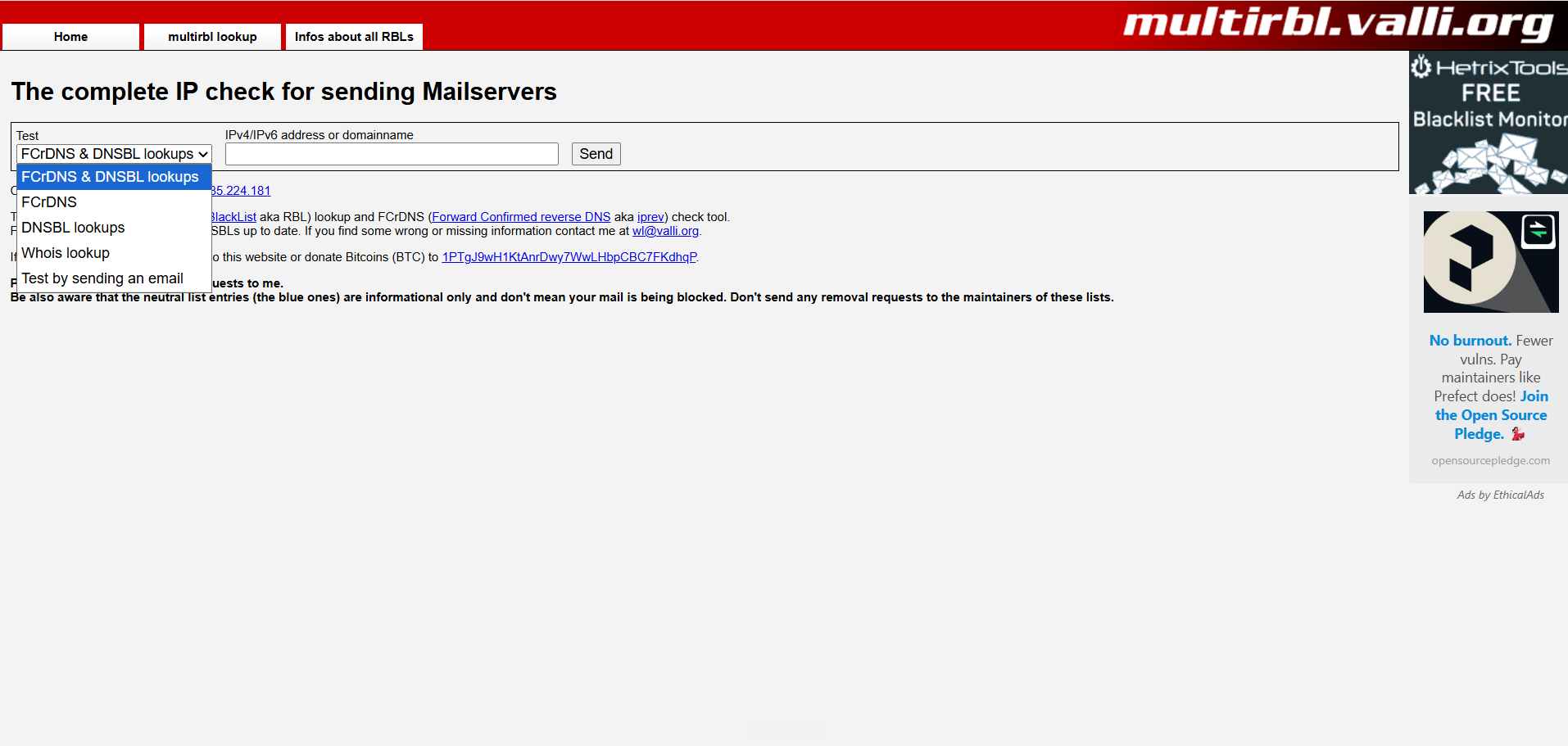
MultiRBL is a free multiple DNSBL lookup and Forward Confirmed reverse DNS check tool hosted at multirbl.valli.org. It tests a single IPv4 or IPv6 address against more than 200 blacklists, whitelists, and informational lists at once, returning each result color-coded so users can separate genuine blocklistings from neutral entries that do not affect delivery.
Alongside reputation lookups, it runs an FCrDNS check that verifies whether an IP's reverse DNS pointer resolves back to the same address, a common requirement for mail acceptance.
Maintained independently and supported by donations, MultiRBL prioritizes breadth of coverage and technical detail over dashboards, accounts, or automated monitoring.
Key features:
Pros:
Cons:
Pricing: Free
Best for: Technical email administrators who want the widest possible one-shot RBL coverage plus an FCrDNS check, and who are comfortable interpreting dense results
DNSChecker is a free online toolkit of DNS, network, and email utilities, one of which is an IP blacklist checker that tests a domain, IP address, or email against more than 50 anti-spam databases.
The blacklist tool runs real-time DNS queries and returns results in roughly 20 to 40 seconds, indicating which DNSBLs have flagged the address along with delisting references. It requires no signup and sits beside related utilities such as MX lookup, DMARC validation, SMTP test, and reverse DNS, allowing users to diagnose several deliverability factors from one site.
Key Features:
Pros:
Cons:
Pricing: Free
Best for: Anyone who wants quick, free, ad-hoc blacklist checks alongside general-purpose DNS and email lookups in a single place.
Blacklist Checker is a tool that tests any IP address, domain name, or email address against more than 100 email blacklists, also known as DNSBLs or RBLs. The free web checker returns results in seconds, showing which lists have flagged the address so senders can identify why messages may be rejected or filtered.
Key Features:
Pros:
Cons:
Pricing: Blacklist Checker offers a free plan with 50 checks per month. Paid plans start at $9/month for 10,000 checks, $39/month for 50,000 checks, and $149/month for 250,000 checks.
Best for: Developers who want to embed blacklist checks via API, and teams that want lightweight automated monitoring without a heavier deliverability platform.
ZeroBounce is an email validation and deliverability platform that verifies whether email addresses are real, active, and safe to send to, then layers on tools that improve inbox placement.
Its core engine performs bulk and real-time validation, detecting invalid addresses, spam traps, and abusive recipients, and assigns AI-based quality scores.
Key Features:
Pros:
Cons:
Pricing: ZeroBounce offers a free plan with 100 validation credits/month, 1 inbox placement test, and 1 blacklist monitor. Paid plans start at $99/month (minimum 10,000 credits)
Best for: Marketers and businesses that need accurate list cleaning and also want inbox placement testing, blacklist monitoring, and warmup combined in one platform.
Mailtrap is an email delivery platform that combines a production sending service with a safe testing sandbox for developers and product teams. The Email Sending side provides API and SMTP delivery with SPF, DKIM, and DMARC authentication, separate transactional and bulk streams, bounce and complaint suppression, and detailed logs and analytics.
The Email Sandbox captures messages in an isolated environment, running spam-score and inbox placement tests across providers like Gmail, Outlook, Apple, and Yahoo and validating HTML before anything reaches real recipients.
Key Features:
Pros:
Cons:
Pricing: Mailtrap offers separate plans for Email Sandbox and Email API/SMTP. Sandbox testing starts free (50 test emails/month) and scales to $498/month. Sending plans start free (4,000 emails/month), with paid tiers from $15/month to $750/month
Best for: Developers, SaaS, and QA teams that send transactional and bulk email and want to test deliverability before launch while sending reliably at scale.
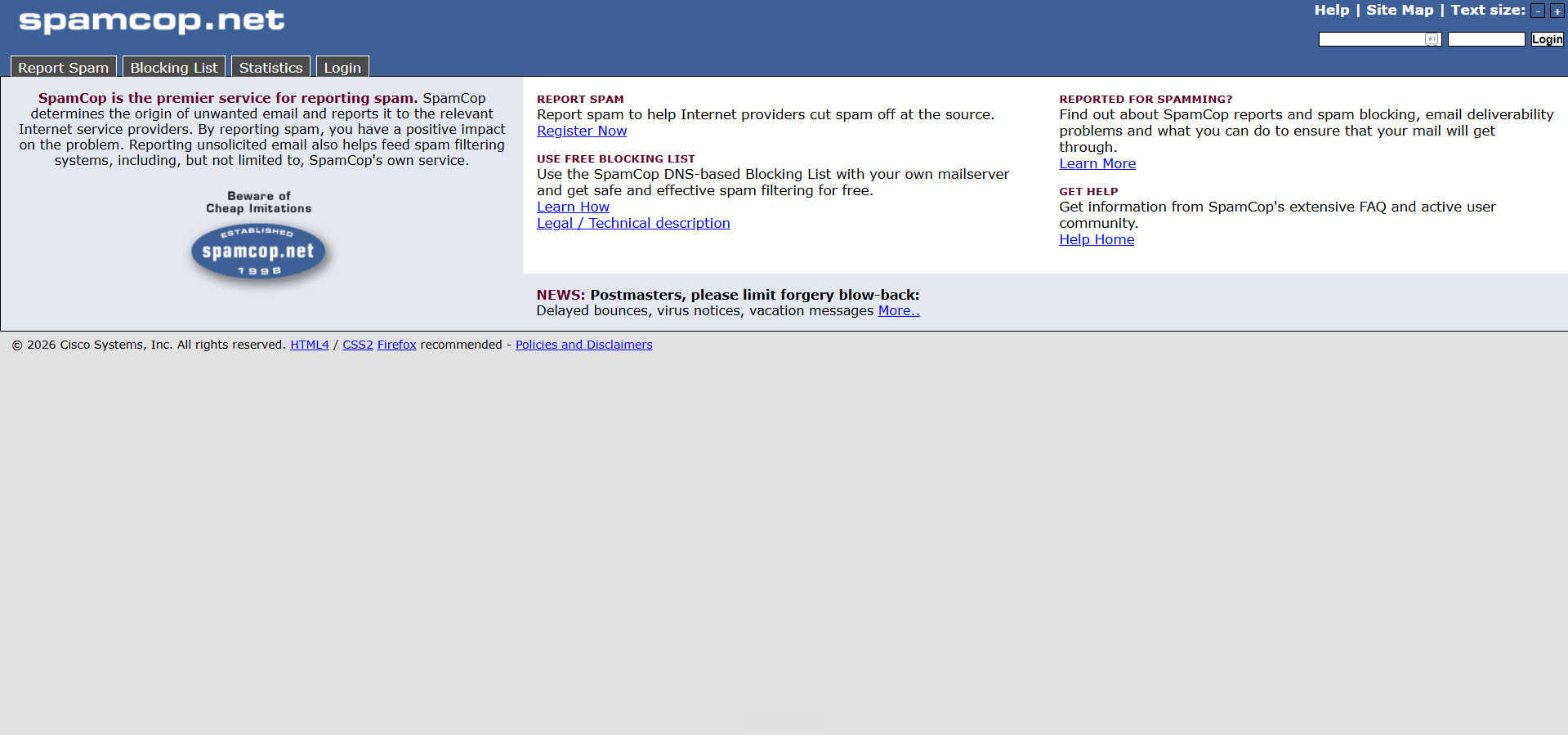
SpamCop is a spam-reporting service operated by Cisco Talos that maintains the SpamCop Blocking List, a real-time DNS blacklist of IP addresses currently sending reported spam. The list is built from user-submitted spam reports and hits on SpamCop-operated spam traps, which are weighted by recency and volume before an IP is added.
Key features:
Pros:
Cons:
Pricing: Free to check and to use as a DNSBL.
Best for: Mail administrators and filtering operators who use the SCBL as one signal in a scoring system, and senders checking or clearing an active SpamCop listing.
Before you start troubleshooting deliverability issues, you need to confirm whether your sending IP or domain is actually listed on a blacklist. Here’s a simple step-by-step process to check your blacklist status and identify potential reputation problems.
Start with the IP your emails leave from. If you send through Gmail or Google Workspace, that IP isn't really yours.
Google's infrastructure handles delivery, so there's no server IP of your own to look up. On a transactional ESP like SendGrid, Mailgun, Amazon SES, Postmark, or Brevo, your mail goes out on the provider's shared or dedicated ranges (their docs list the current ones).
The quickest way to find the real one is to send yourself a test email, open the headers, and read the Received: lines for the sending IP.
Then grab your sending domain, the domain in your From: address. You'll need both for what comes next.
Run your IP and domain against Spamhaus directly at check.spamhaus.org, then against Barracuda (BRBL). These are the Tier 1 sources that the inbox providers actually rely on. If you're clean on both, you've already ruled out the listings most likely to be hurting you, without drowning in dozens of low-impact lists.
Clean on Tier 1 but still seeing problems? Now it's worth casting a wider net. Run a lookup through MXToolbox, MultiRBL, or DNSChecker.org to scan a much larger set of lists in one go.
Just read the results with a clear head. A Spamhaus or Barracuda hit means act now. A UCEPROTECT Level 3 listing? Usually noise, most providers ignore it, and so can you.
IP blacklists (like Spamhaus SBL) flag the server your mail sends from. Domain blacklists (like Spamhaus DBL) flag the domain in your From: address. They're separate lists, and you can easily be clean on one while listed on the other.
A clean blacklist report tells you about external databases, but doesn’t tell you about where Gmail and Outlook are putting your emails right now.
The only way to know that is an inbox placement test, sending a real email, under your real sending conditions, to a set of real mailboxes (including Google Workspace and Office 365 inboxes) and seeing exactly where each one lands.
That's what MailReach's free spam test does in a single run. It checks inbox placement end to end, verifies your SPF, DKIM, and DMARC, scans your content and links, so you're not stitching five tools together.
If you're sending through a shared IP, your reputation is tied to everyone else using that same infrastructure. One sender generating complaints, hitting spam traps, or sending low-quality mail can get the IP listed, and everyone sharing it feels the impact.
When that happens, you have a few options:
For cold outreach, though, the better long-term approach is often to reduce your dependence on shared sending infrastructure altogether. Sending through Google Workspace or Microsoft 365 gives you access to highly trusted mail systems while allowing you to build reputation around your own domain rather than a shared IP pool.
If you're on a shared IP, investigate the source of the listing before assuming your own sending practices caused it.
The best blacklist checker depends on what you're trying to accomplish. Some tools are built for quick lookups, while others focus on monitoring, automation, deliverability analysis, or email validation.
For B2B senders, blacklist status answers a narrow question ("is this IP or domain flagged by external DNSBLs?"). Inbox placement testing answers the broader one ("where do my emails actually land at Gmail, Outlook, and Office 365?").
A clean blacklist record doesn't guarantee inbox placement. A listing on a Tier 4 source doesn't preclude it. MailReach's free spam test bundles blacklist checking with real inbox placement testing, end-to-end authentication checks, content analysis, and per-provider reporting, covering the full diagnostic in one step instead of stitching together five tools.
Stop guessing. See exactly where your emails land at Gmail, Outlook, and Office 365 with MailReach
Every email in spam equals to a lost potential customer. Start improving your inbox placement today with MailReach spam testing and warmup.
Following the rules isn’t enough—know where your emails land and what’s holding them back. Check your spam score with our free test, and improve deliverability with MailReach warmup.

Without the right warmup, your best campaigns are of no use. You can start by first testing your inbox placement and begin improving it today.

Truncate blacklist: how it works and steps to remove yourself

LashBack Unsubscribe Blacklist: Definition and How to get delisted
Email Blacklist Removal: How To Identify, Fix & Delist Fast


The RATS Spam Blacklist is a list of IP addresses that have triggered the spam filters. Our tips to understand it and remove yourself from this list !

